Households
Your household's money, managed together
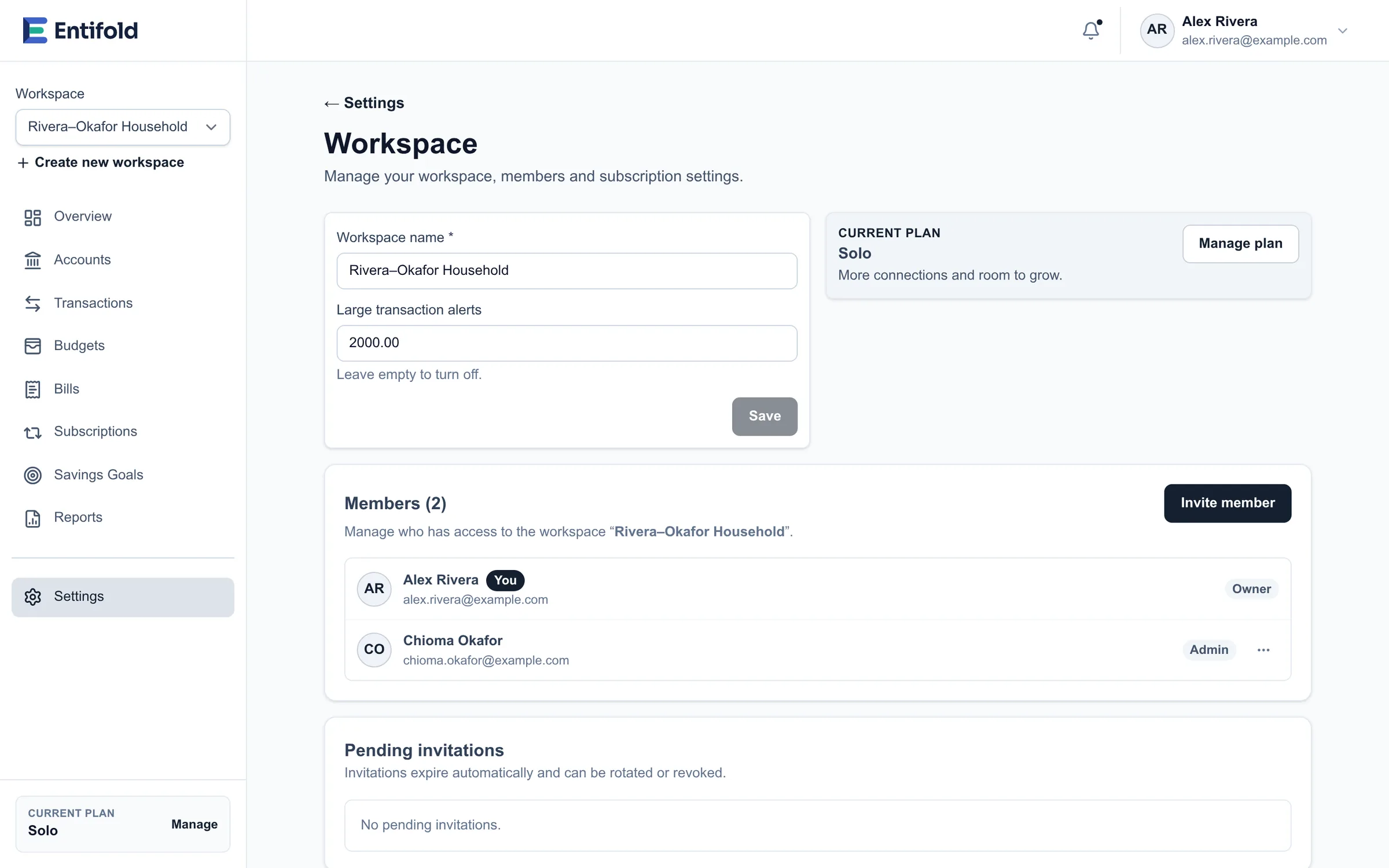
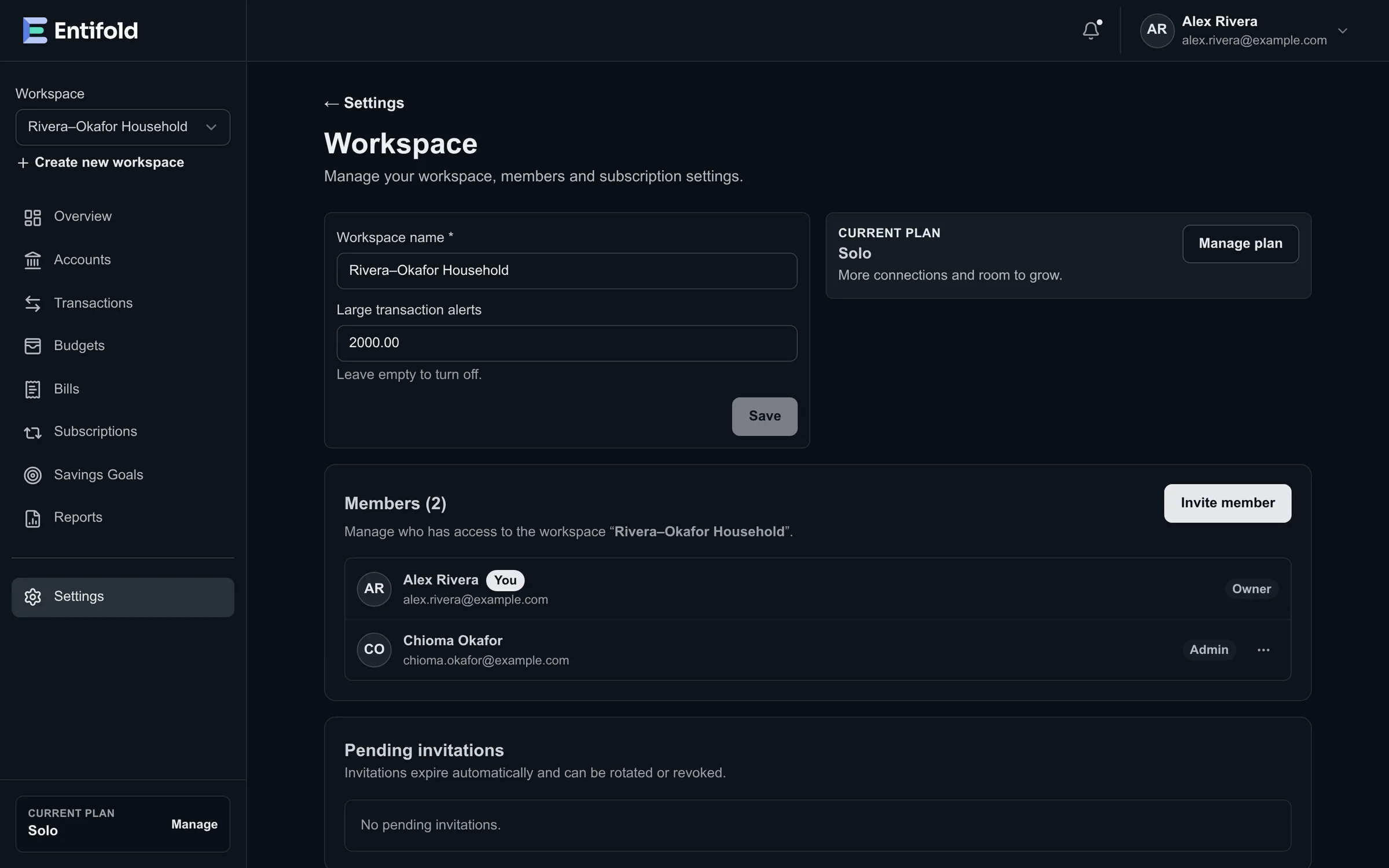
Share a workspace with your partner or family. Everyone sees the same accounts, bills and budgets, and each person has the access that's right for them.
How it works
Set up in minutes
-
Create a shared workspace
Keep your personal workspace and add a shared one for the household. Switch between them at any time.
-
Invite the people you share money with
Send an invitation by email and choose a role. Invitations expire on their own, and you can revoke one at any time.
-
Everyone uses their own account
Each person signs in with their own email, password and security settings. Nobody shares a password.
Roles
The right access for each person
Every member has one of four roles. You can change a role at any time.
Owner
Everything, including billing and deleting the workspace.
Admin
Invites and manages members, and reviews workspace activity.
Editor
Connects accounts and keeps budgets, bills, subscriptions and goals up to date.
Viewer
Sees everything, changes nothing.
| What they can do | Owner | Admin | Editor | Viewer |
|---|---|---|---|---|
| See accounts, transactions, budgets, bills and reports | ||||
| Connect financial institutions | ||||
| Add and update budgets, bills, subscriptions, goals and assets | ||||
| Categorize transactions and set category rules | ||||
| Export transactions | ||||
| Disconnect a financial institution | ||||
| Invite people and change their roles | ||||
| Rename the workspace and review its activity | ||||
| Manage the plan and billing | ||||
| Hand over ownership or delete the workspace |
Built for sharing, from the start
Personal and shared, side by side
Each workspace has its own accounts, budgets, members and plan, so what's shared stays shared and what's yours stays yours.
Activity you can review
Owners and admins can see who did what in the workspace, from connecting an account to changing someone's role.
Hand over ownership
The owner can offer ownership to any member. It only changes hands once they accept.
Change roles as life changes
Change a member's role or remove them at any time. Only the owner can make someone an admin.
Bring your household together
Start free in a few minutes. No card needed.